
Setup Checklist
Work through network setup in the right order, from settings to your first live workflows.
Do this once, in order, to take your network from first login to live patient care.
Open SettingsSet up in this order
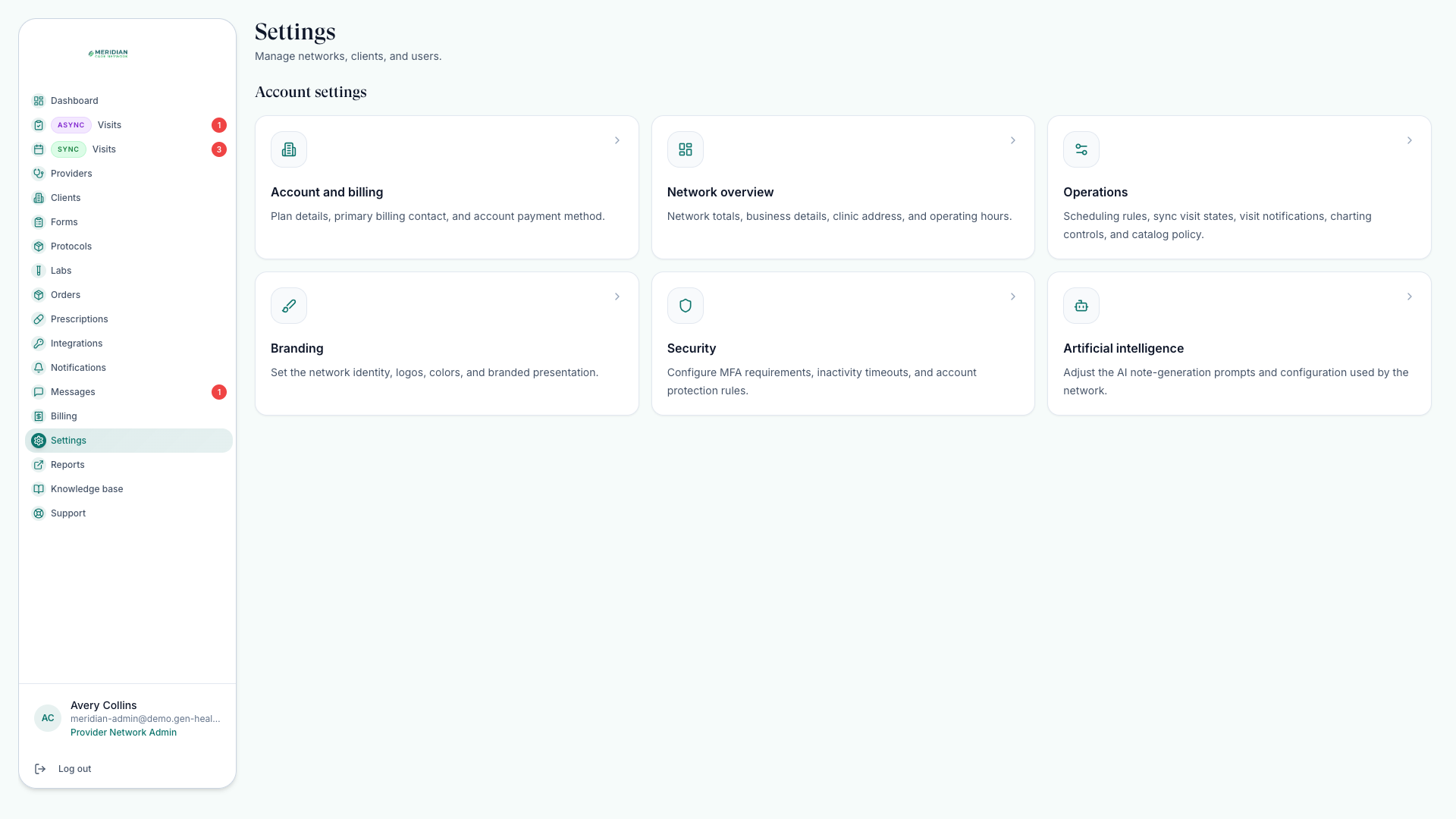
Finish network settings
Open Settings; confirm business details, operating hours, scheduling rules, security, branding, AI charting preferences, and billing contact. See Network Settings.
Connect payments and integrations
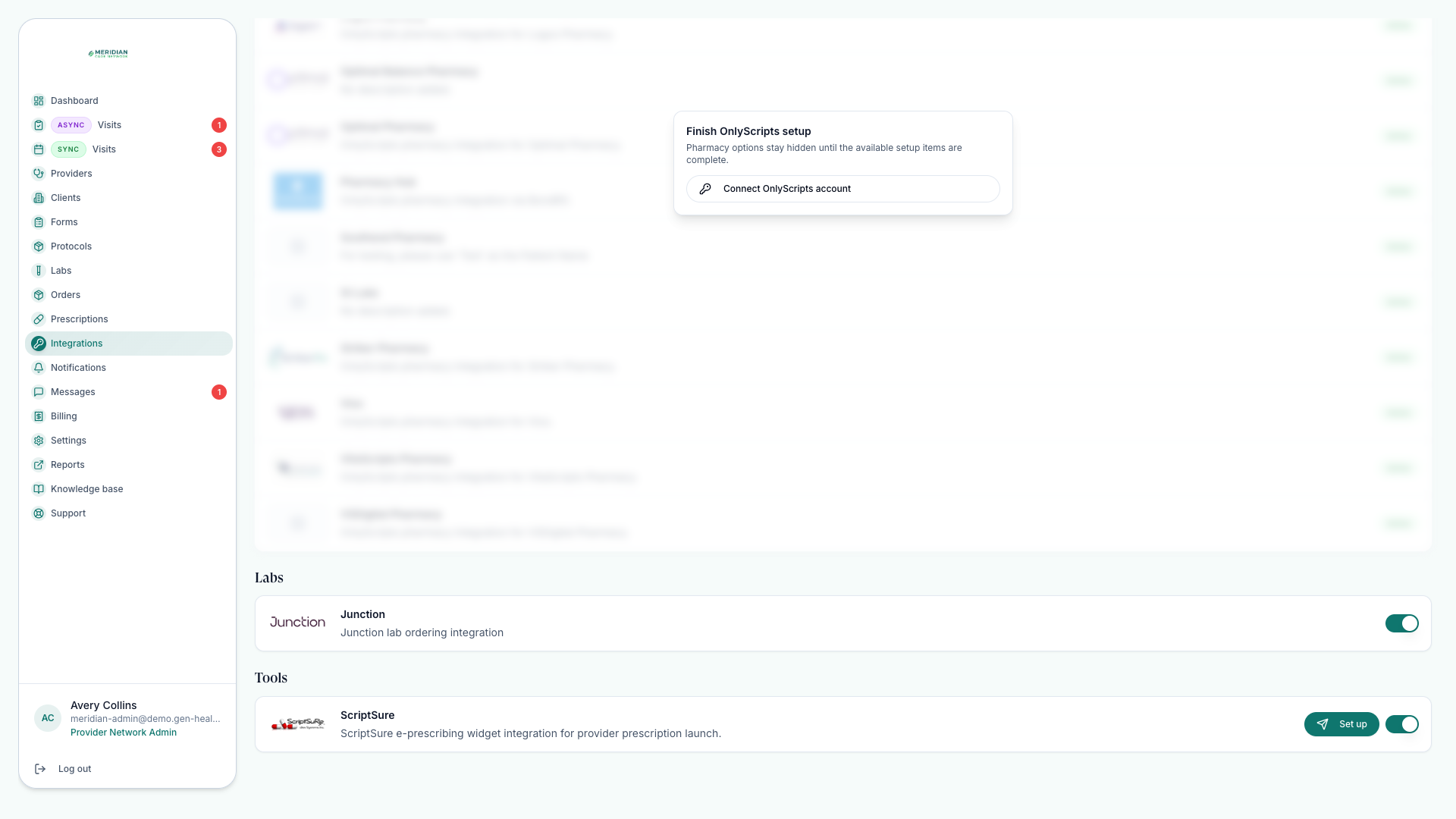
Use Billing for payment processing and Integrations for pharmacy, lab, and prescribing services. See Set Up Payments and Enable Integrations.
Build your clinical catalog
Configure protocols, medication pairings, labs, and intake forms so patients enter the right care path. Start with Create Protocols.
Invite your team and link clients
Invite Providers and Provider Delegates, then review linked clients and provider assignments. See Invite Providers and Assign Providers.
Run care operations
Once live, manage chart reviews, scheduled visits, prescriptions, orders, and messages every day. Daily Workflow shows the rhythm.
Launch checklist
Confirm every line before sending real patients through the platform.
Network profile, address, operating hours, and branding are complete.
Multi-factor authentication and inactivity timeout match your security policy.
Payment processor and any custom payment instructions are ready.
Required integrations are enabled before prescribing or lab workflows begin.
Providers have completed credentials and licenses for the states they serve.
Protocols, required forms, lab requirements, and medication pairings are checked end to end.
Each linked client has provider assignments and visit pricing where needed.
Test one full order from payment through review before launch — it catches most setup gaps in one pass. Set Up Payments shows how.
When you're done
Switch from setup to operating mode: Daily Workflow covers the daily rhythm; How Networks Work explains how the pieces fit together. Revisit this checklist whenever operating rules change — hours, scheduling, and charting settings affect live booking and provider behavior.
Was this helpful?