
Roles & Permissions
See what Admins, Providers, and Provider Delegates can do across the network.
Three roles run a provider network: Admins, Providers, and Provider Delegates. This page is the single reference for what each role can see and do — other guides link here instead of repeating it.
Role summary
| Role | Main responsibility | Can manage |
|---|---|---|
| Admin | Runs network operations and setup. | Providers, delegates, linked clients, settings, payment setup, the catalog, forms, labs, visits, orders, prescriptions, reports, and messages. |
| Provider | Delivers clinical care. | Their own availability, assigned visits, chart reviews, SOAP notes, prescriptions, patient messages, and productivity reports. |
| Provider Delegate | Coordinates clinical operations without final clinical sign-off. | Visit scheduling, review routing, approved prescription completion, order follow-up, patient support, delegate accounts, and operational reports. |
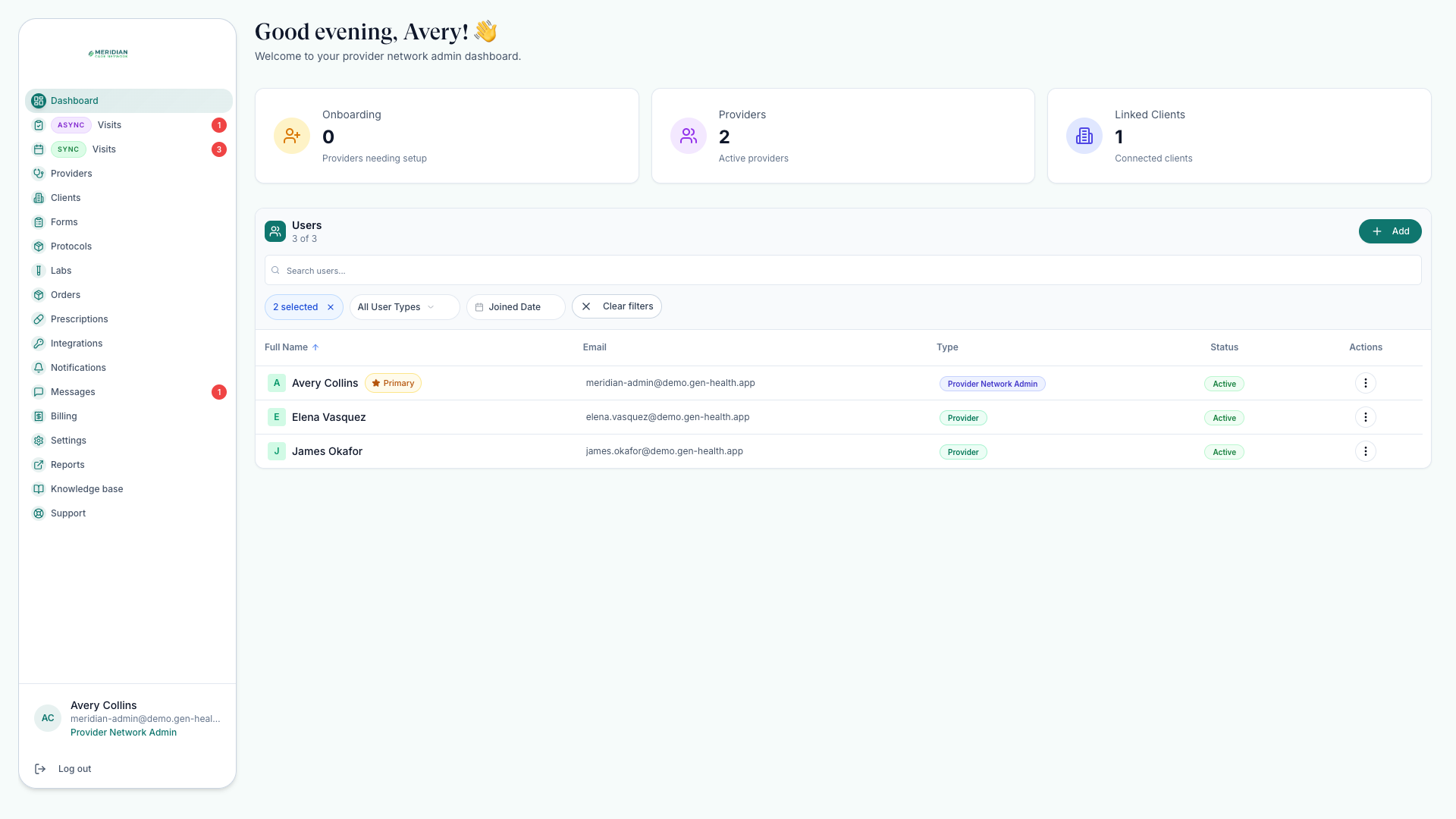
Permission boundaries
- Everyone sees only records connected to your network and their assignment scope.
- Providers claim and complete clinical reviews only when their license, client assignment, and state rules allow it.
- Provider Delegates cannot claim reviews, generate or finalize SOAP notes, join live visits as the treating provider, or approve and deny clinical decisions.
- Admins do not automatically perform clinical tasks unless they also hold a clinical role.
- Knowledge base editing for Providers requires an explicit manager grant; delegates browse read-only.
Never use a delegate account for final clinical decisions. Delegate tools are built for routing, coordination, and prescription follow-through after a Provider approves.
Who can invite whom
| Signed in as | Can invite |
|---|---|
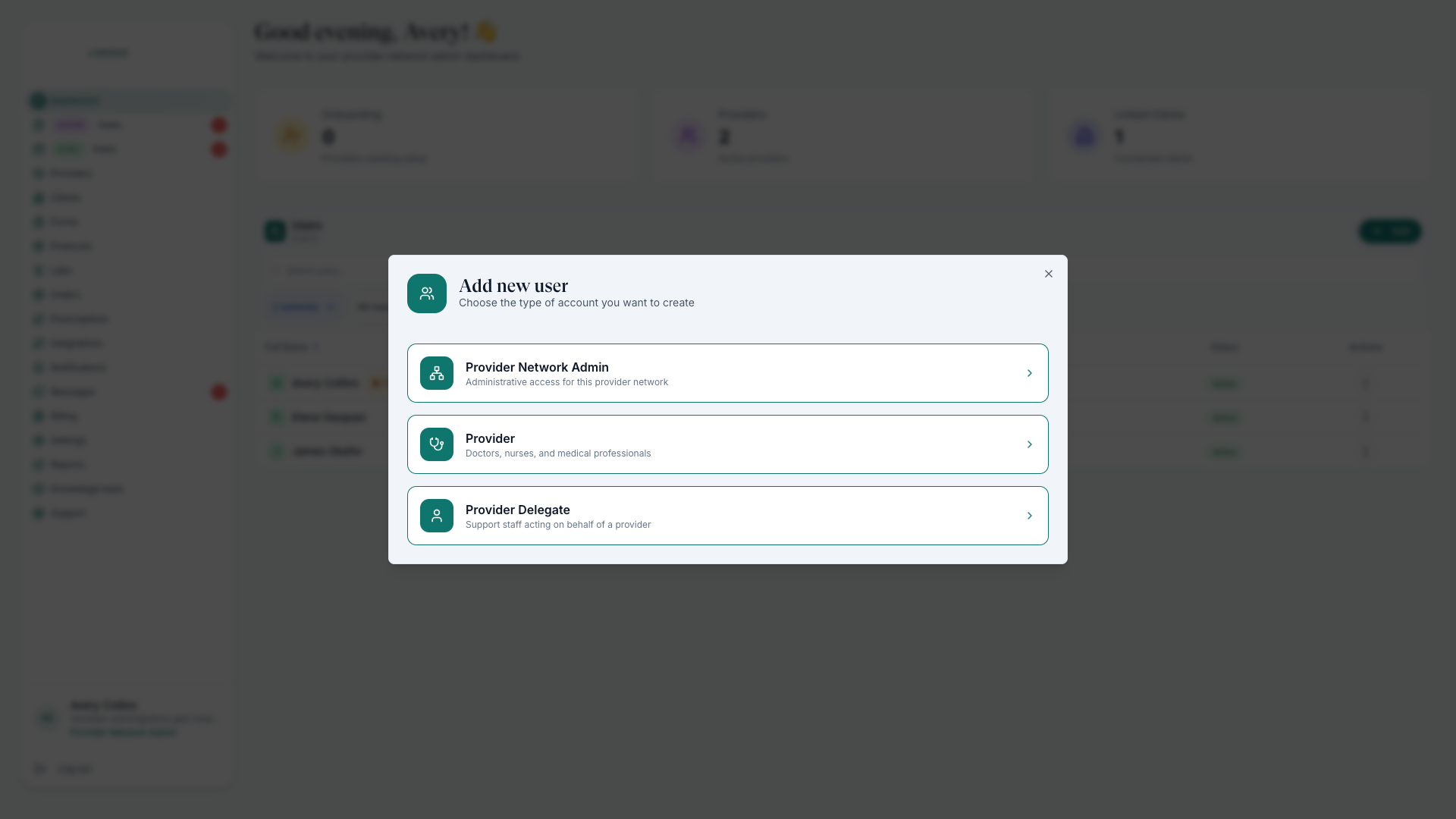
| Admin | Admins, Providers, Provider Delegates, and client users for linked clients. |
| Provider | Provider Delegates in the same network. |
| Provider Delegate | Provider Delegates in the same network. |
Common questions
Why can a provider see some patients but not others?
Provider access depends on client assignment and active, verified licenses for the patient's state. If a patient seems missing, check the linked client's assignments and the provider's license coverage — Find Patients walks through it.
Can an Admin chart a visit or approve a review?
Not by default. Admins run the network, but clinical tasks require a clinical role — an Admin who is also a Provider can do both.
Was this helpful?